

Why Microsoft Power Automate
Automate the handoffs that slow reliable work down
The best automation is rarely the most elaborate. It removes measurable friction from a defined process while making ownership, exceptions, evidence, and outcomes easier to see.
Capabilities
From a simple flow to a supportable automation estate
Reliable automation combines process logic with integration, identity, security, exception handling, monitoring, deployment, documentation, and clear business ownership.
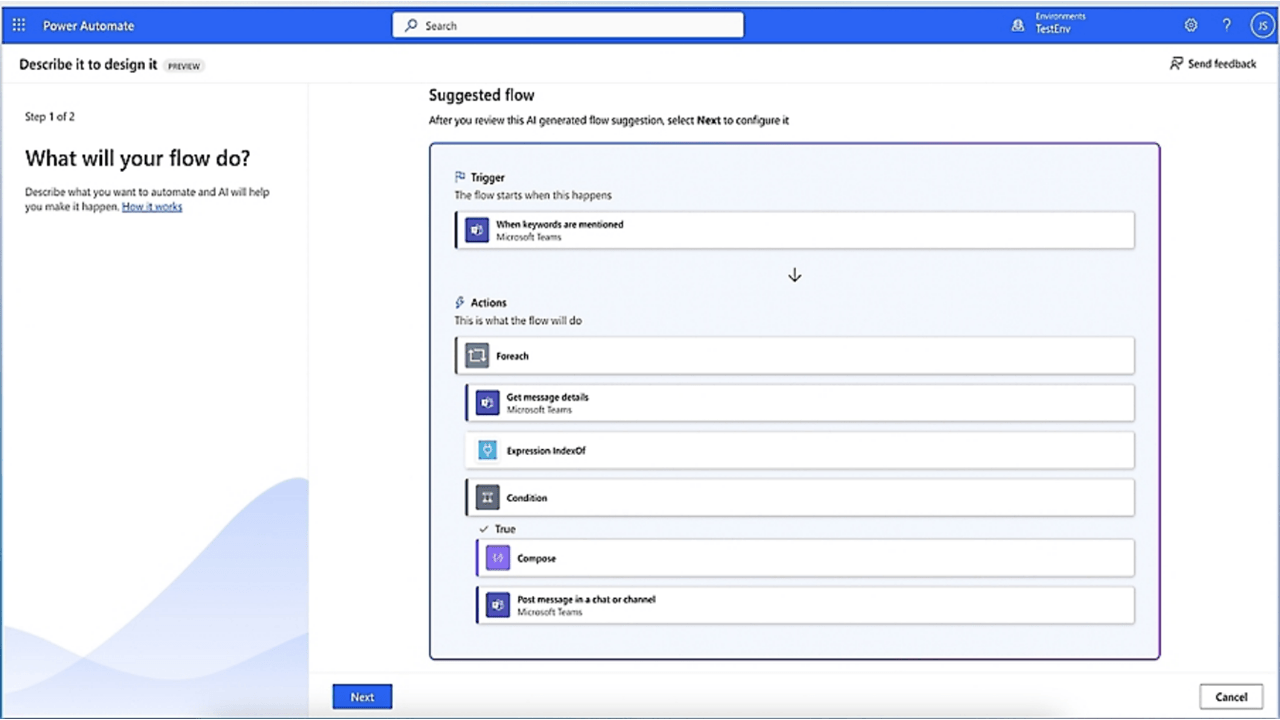
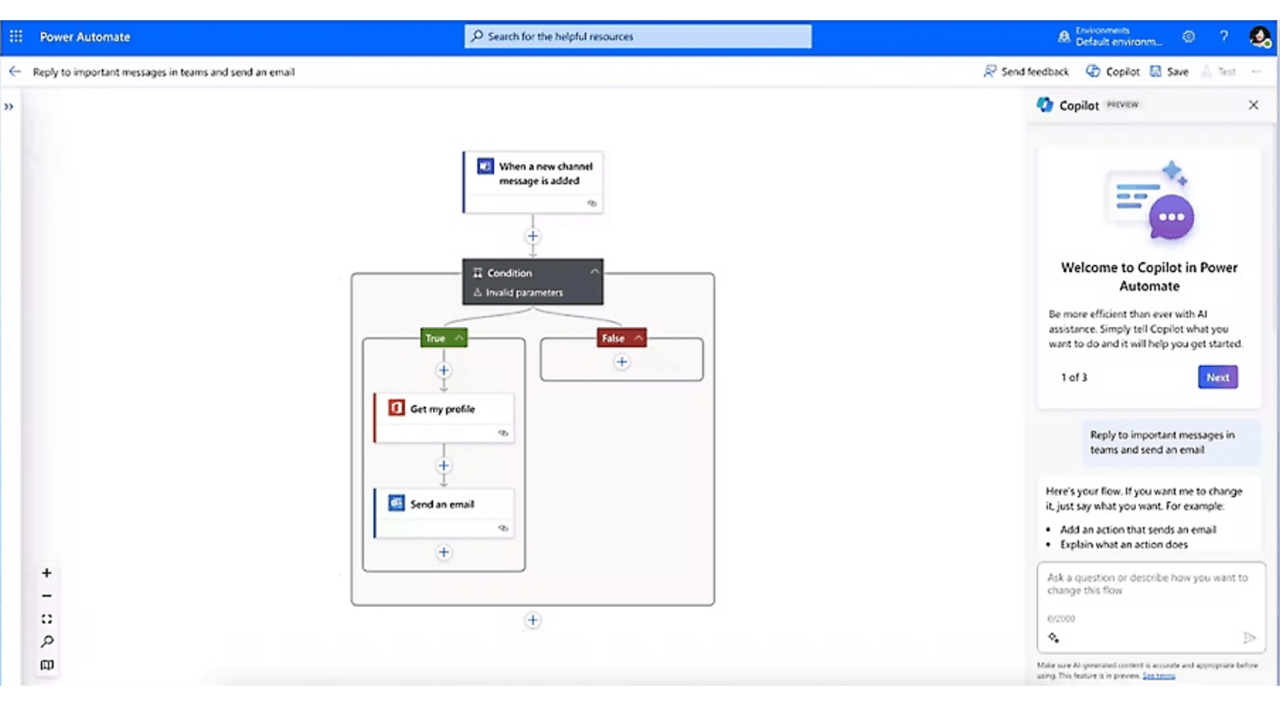
Cloud flows and business process automation
Approvals, alerts, and notifications
Dynamics 365 and Microsoft 365 automation
Dataverse workflows and integrations
Document and data processing
Desktop and legacy-system automation
Connector, API, and custom integration design
Monitoring, governance, and application lifecycle management
AI & Copilot
Use deterministic flows for rules and AI where interpretation is required
Keep predictable actions transparent and testable. Introduce AI only when it adds useful judgment, with clear boundaries, confidence handling, and human review for consequential decisions.
Workflow opportunities
Start where rules are clear and manual effort is visible.
Look for repeated approvals, re-keying, notifications, document movement, status checks, or system handoffs that consume time and create avoidable delay or error.
Talk to us
Related Products
Give workflows a usable interface, trusted measures, and intelligent assistance.
Power Automate creates more value when flows connect with the applications people use, the metrics leaders trust, and copilots or agents designed for controlled interaction.
Why US
Bespoke Services. Local Expertise.
We help organizations across Bulgaria and Europe modernize operations through Microsoft business applications and localization expertise.
Contact Us

FAQ
Frequently Asked Questions
Here are some common questions about Microsoft Power Automate. Got more questions? Schedule a call with one of our experts.
Talk to an expert

Ready to transform your business?
We'd love to hear from you - send us a message and we'll be in touch soon.
General contact
Partnerships